Image · 4 credits · about $0.40
MiniMax H3 Image generator and editor
4 credits per image (about $0.40) · credit packs from $9.90, no subscription
Type a description to create a new picture, or upload a photo and say what to change. Made with the MiniMax H3 Image model, ready in seconds.
Text or 1 photo · about 1.3 megapixels
Make yours
Credit packs from $9.90, no subscription. See packs
Your image will appear here.
- ✓ Failed runs refund their credits automatically
- ✓ Unused credits refundable within 14 days of purchase
- ✓ No subscription
WhimClip is an independent product and is not affiliated with or endorsed by MiniMax. We provide access to the MiniMax H3 models through our own interface.
More results

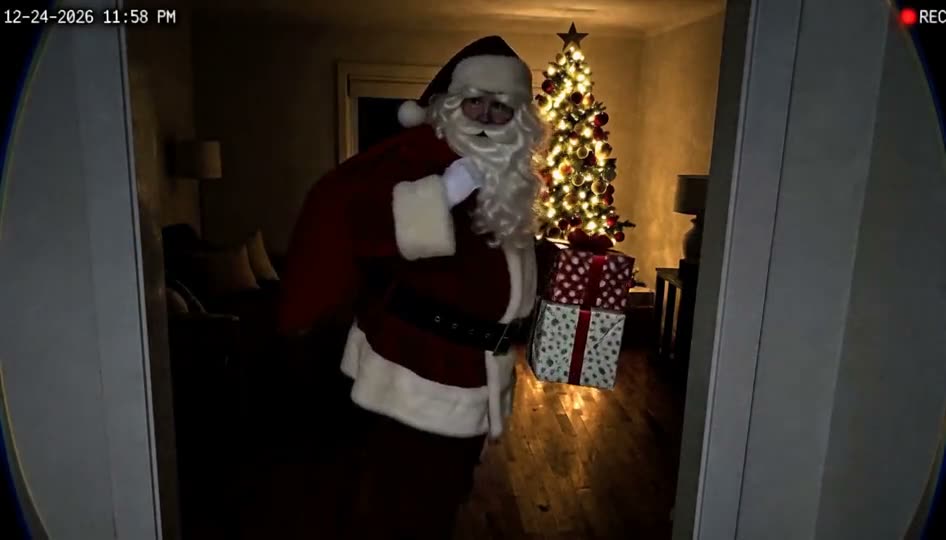
Caught in the wrapping paper

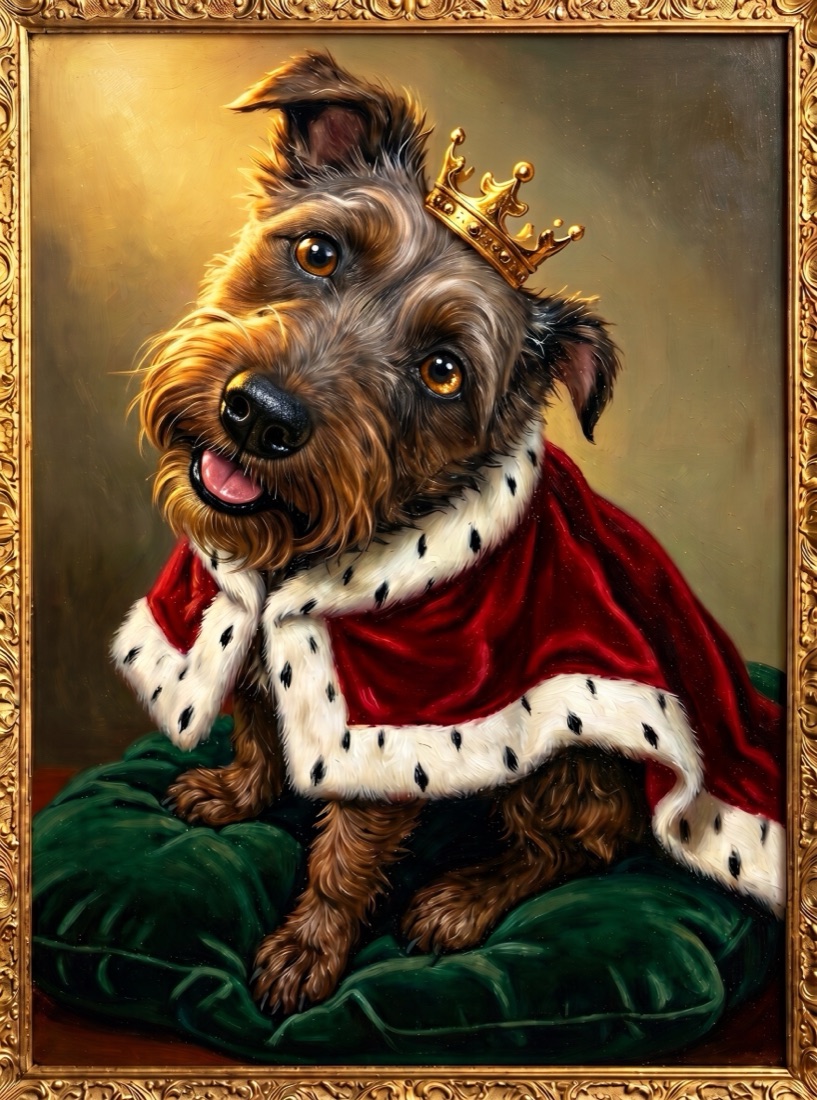
Text to image
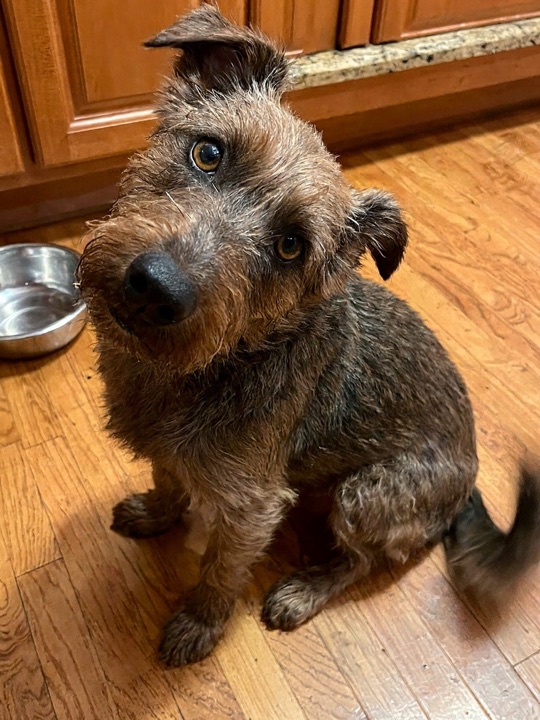
Before and after
How it works
- 1
Describe the picture, or upload a photo and describe the change
- 2
Pick a shape and tap Generate
- 3
Download the image
What MiniMax H3 Image does
MiniMax H3 Image is an image generation and editing model from MiniMax. It handles detailed scenes, realistic light and readable text inside the picture, and it can change part of a photo while keeping the rest.
On WhimClip you can use it two ways: text to image, where you describe a picture from scratch, and photo editing, where you upload a picture and tell the model what to change.
Tips for text to image
Describe the subject first, then the setting, the light and the style: "a ceramic teapot on a wooden table by a rainy window, soft morning light, product photo".
If you want words in the picture, put them in quotes and keep them short, for example a sign that reads "Open Late".
Tips for editing a photo
Say what to change and what to keep: "make it a snowy winter evening, keep the house exactly the same". The uploaded photo is called Image 1 if you want to refer to it.
Edits work on portraits of yourself, landscapes, rooms, products, artwork and pets. Photos with anyone under 18 are refused before any credits are charged.
Questions
How long does an image take?
Usually 10 to 30 seconds.
What size are the images?
About 1.3 megapixels: 864×1536 for vertical, 1536×864 for wide and 1152×1152 for square. Edited photos keep a shape close to the original.
Can I edit a photo of myself?
Yes. Photos of yourself, or of adults who agreed to it, are fine. Photos with anyone under 18 are refused, and edits meant to fake or mislead about a real person are not allowed.
What happens if an image fails?
The credits go straight back to your account.
Is this the official MiniMax app?
No. WhimClip is an independent product that runs the MiniMax H3 Image model through its own interface.
How much does it cost?
Each image costs 4 credits. Credits are a one-time purchase with no subscription; see pricing.